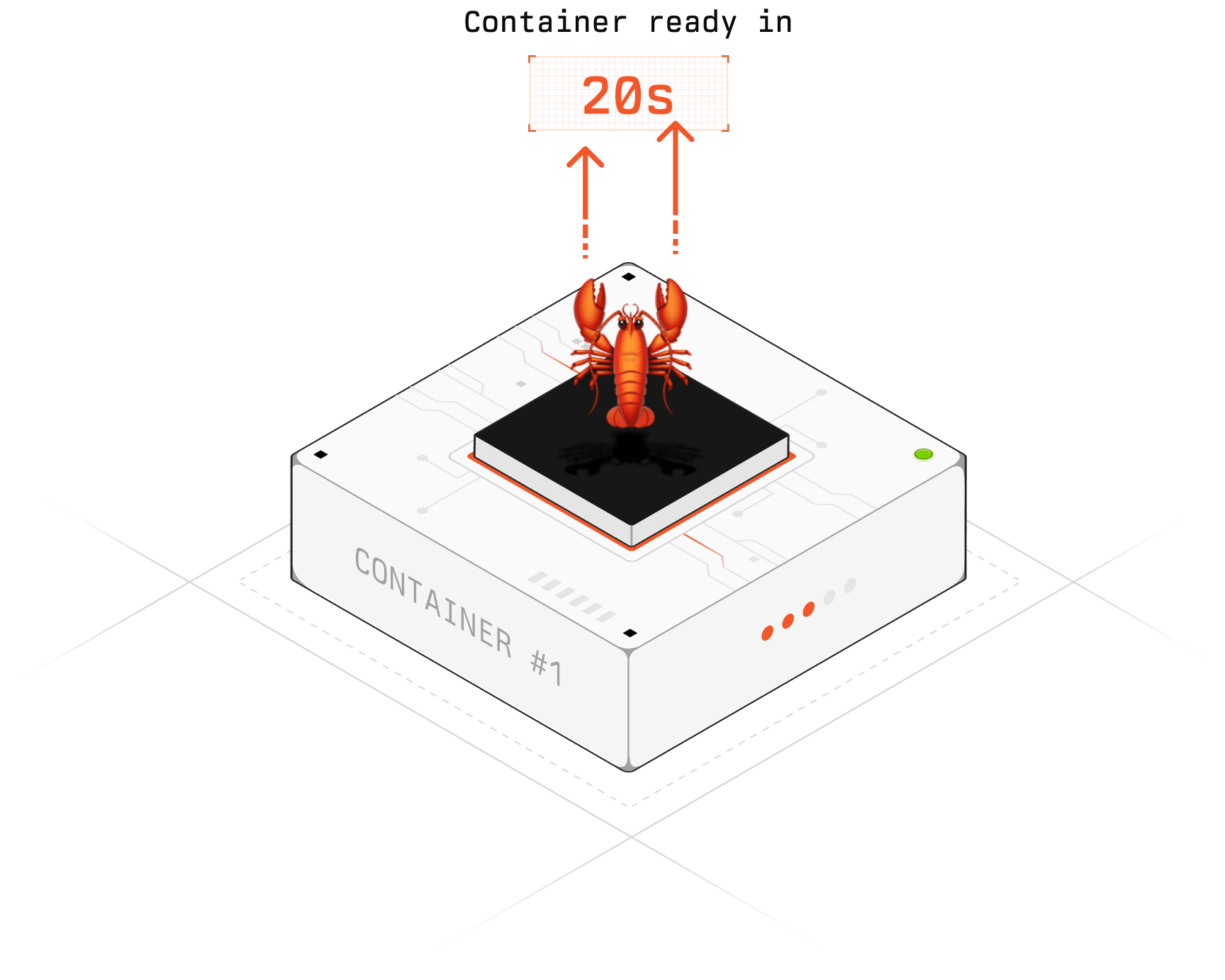
OpenClaw🦞 is your personal AI agent that lives in a cloud computer. It can install software, run code, browse the web, and complete tasks autonomously. In this guide, we'll walk you through getting your own OpenClaw up and running — from zero to a working agent in about an hour.
Overview#
| Step | What | Time | Cost |
|---|---|---|---|
| 1 | Get Your Model API Keys | ~30 min | Pay-as-you-go |
| 2 | Set Up a Cloud Server | ~15 min | ~$30–33/mo |
| 3 | Install Docker | ~5 min | Free |
| 4 | Create Your API Key Config | ~3 min | Free |
| 5 | Pull and Run OpenClaw | ~5 min | Free |
| 6 | Verify It's Running | ~2 min | Free |
| Total | ~60 min | ~$30/mo + model usage |
Prerequisites#
Before you begin, make sure you have:
- An AWS or GCP account with billing enabled
- Basic familiarity with the terminal
- A credit card for purchasing model API keys
Step 1: Get Your Model API Keys (~30 min · pay-as-you-go)#
OpenClaw uses your own API keys to call AI models. You'll need to sign up with each provider and grab an API key. You don't need all of them — pick the ones you want to use.
Anthropic (Claude)#
- Go to console.anthropic.com
- Click Sign Up — you can use Google or email
- Go to Settings → Billing → add a credit card and top up credits (minimum $5)
- Navigate to API Keys → Create Key
- Name your key (e.g. "openclaw") and copy it — starts with
sk-ant-...
| Model | Input Price | Output Price |
|---|---|---|
| Claude Sonnet 4 | $3 / 1M tokens | $15 / 1M tokens |
| Claude Opus 4 | $15 / 1M tokens | $75 / 1M tokens |
| Claude Haiku 4 | $0.80 / 1M tokens | $4 / 1M tokens |
OpenAI (GPT)#
- Go to platform.openai.com
- Click Sign Up — you can use Google, Microsoft, or Apple account
- Go to Settings → Billing → Add payment details → add a credit card and top up credits (minimum $5)
- Navigate to API Keys → Create new secret key
- Name your key and copy it — starts with
sk-...
| Model | Input Price | Output Price |
|---|---|---|
| GPT-4o | $2.50 / 1M tokens | $10 / 1M tokens |
| GPT-4o mini | $0.15 / 1M tokens | $0.60 / 1M tokens |
| o1 | $15 / 1M tokens | $60 / 1M tokens |
Google (Gemini)#
- Go to aistudio.google.com
- Sign in with your Google account
- Click Get API Key → Create API key in new project
- Copy the key
- To use paid models, go to console.cloud.google.com → enable billing and link the project
| Model | Input Price | Output Price |
|---|---|---|
| Gemini 2.5 Pro | $1.25 / 1M tokens | $10 / 1M tokens |
| Gemini 2.5 Flash | $0.15 / 1M tokens | $0.60 / 1M tokens |
xAI (Grok)#
- Go to console.x.ai
- Click Sign Up — you can use your X (Twitter) account or email
- Go to Billing → add a credit card and top up credits
- Navigate to API Keys → Create API Key
- Name your key and copy it
| Model | Input Price | Output Price |
|---|---|---|
| Grok 3 | $3 / 1M tokens | $15 / 1M tokens |
| Grok 3 Mini | $0.30 / 1M tokens | $0.50 / 1M tokens |
DeepSeek#
- Go to platform.deepseek.com
- Click Sign Up — use email or phone number
- Go to Top Up → add credits via credit card or other payment methods (minimum ~$2)
- Navigate to API Keys → Create new API key
- Name your key and copy it
| Model | Input Price | Output Price |
|---|---|---|
| DeepSeek V3 | $0.27 / 1M tokens | $1.10 / 1M tokens |
| DeepSeek R1 | $0.55 / 1M tokens | $2.19 / 1M tokens |
Tip: Start with just one or two providers. Claude and DeepSeek are a great combo — Claude for quality, DeepSeek for cost efficiency.
Save your keys somewhere safe. You'll need them in Step 3.
Step 2: Set Up a Cloud Server (~15 min · ~$30–33/mo)#
You need a server to run OpenClaw on. Choose either AWS or GCP.
Option A: AWS (EC2)#
- Go to aws.amazon.com and create an account (you'll need a credit card and phone number for verification)
- Once logged in, go to EC2 → Launch Instance and configure:
| Setting | Recommended Value | Est. Cost |
|---|---|---|
| AMI | Ubuntu 24.04 LTS | Free |
| Instance Type | t3.medium (2 vCPU, 4GB RAM) | ~$30/mo |
| Storage | 30GB SSD | ~$3/mo |
| Security Group | Allow ports 22, 80, 443 | Free |
| Total | ~$33/mo |
Then SSH into it:
ssh -i your-key.pem ubuntu@your-ec2-ipOption B: GCP (Compute Engine)#
- Go to cloud.google.com and click Get started for free (you'll get $300 free credits for 90 days)
- Add a credit card for billing verification
- Go to Compute Engine → VM Instances → Create Instance and configure:
| Setting | Value | Est. Cost |
|---|---|---|
| Machine Type | e2-medium (2 vCPU, 4GB RAM) | ~$25/mo |
| Boot Disk | 30GB SSD | ~$5/mo |
| OS | Ubuntu 24.04 LTS | Free |
| Total | ~$30/mo |
gcloud compute instances create openclaw-vm \
  --zone=us-central1-a \
  --machine-type=e2-medium \
  --image-family=ubuntu-2404-lts \
  --image-project=ubuntu-os-cloud \
  --boot-disk-size=30GB \
  --tags=http-server,https-server
Allow HTTP traffic:
gcloud compute firewall-rules create allow-openclaw \
  --allow tcp:80,tcp:443 \
  --target-tags=http-server,https-server
SSH into it:
gcloud compute ssh openclaw-vm --zone=us-central1-aStep 3: Install Docker (~5 min · free)#
Once you're SSH'd into your server, install Docker:
sudo apt update && sudo apt install -y docker.io docker-compose
sudo usermod -aG docker $USER
Log out and back in for the group change to take effect.
Step 4: Create Your API Key Config (~3 min · free)#
Create a .env file with the API keys you got from Step 1:
ANTHROPIC_API_KEY=sk-ant-xxx
OPENAI_API_KEY=sk-xxx
GOOGLE_API_KEY=xxx
XAI_API_KEY=xxx
DEEPSEEK_API_KEY=xxx
You only need to include the keys for providers you signed up with. For example, if you only got Claude and DeepSeek:
ANTHROPIC_API_KEY=sk-ant-xxx
DEEPSEEK_API_KEY=xxx
Step 5: Pull and Run OpenClaw (~5 min · free)#
docker pull openclaw/openclaw:latest
docker run -d \
  --name openclaw \
  -p 80:8080 \
  --env-file .env \
  --restart unless-stopped \
  openclaw/openclaw:latest
Step 6: Verify It's Running (~2 min · free)#
docker logs openclawYou should see:
🦞 OpenClaw is running on port 8080
✓ Connected to OpenClaw API
✓ Models loaded: claude, deepseek
Open http://your-server-ip in your browser — your OpenClaw🦞 is ready! Give it a task and watch it go.